Querious 5 is a native PostgreSQL GUI for macOS. Edit data, write SQL, design schemas, watch activity and locks, back up with pg_dump, and let the Query Assistant write the SQL, all in one beautiful Mac app.
Free trial. Requires macOS 13.2 or later. Works with MySQL too.
Querious is a PostgreSQL client, SQL editor, schema designer, and server monitor. It's deeply integrated with PostgreSQL throughout every view, not a thin wrapper around a generic database tool.
Filter, sort, and edit table rows in place. Follow foreign keys with the Relationships sidebar.
Multiple editors, context-aware autocomplete, saved queries, and a search path selector for schemas.
Edit columns, indexes, keys, constraints, sequences, triggers, views, materialized views, and functions.
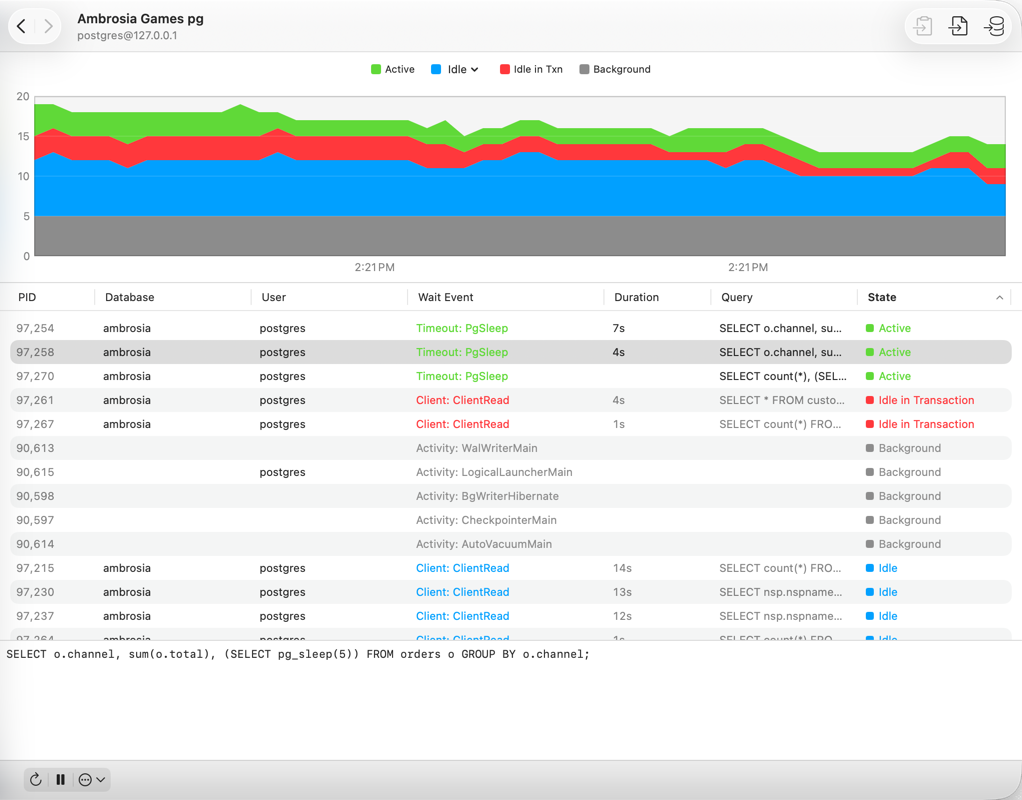
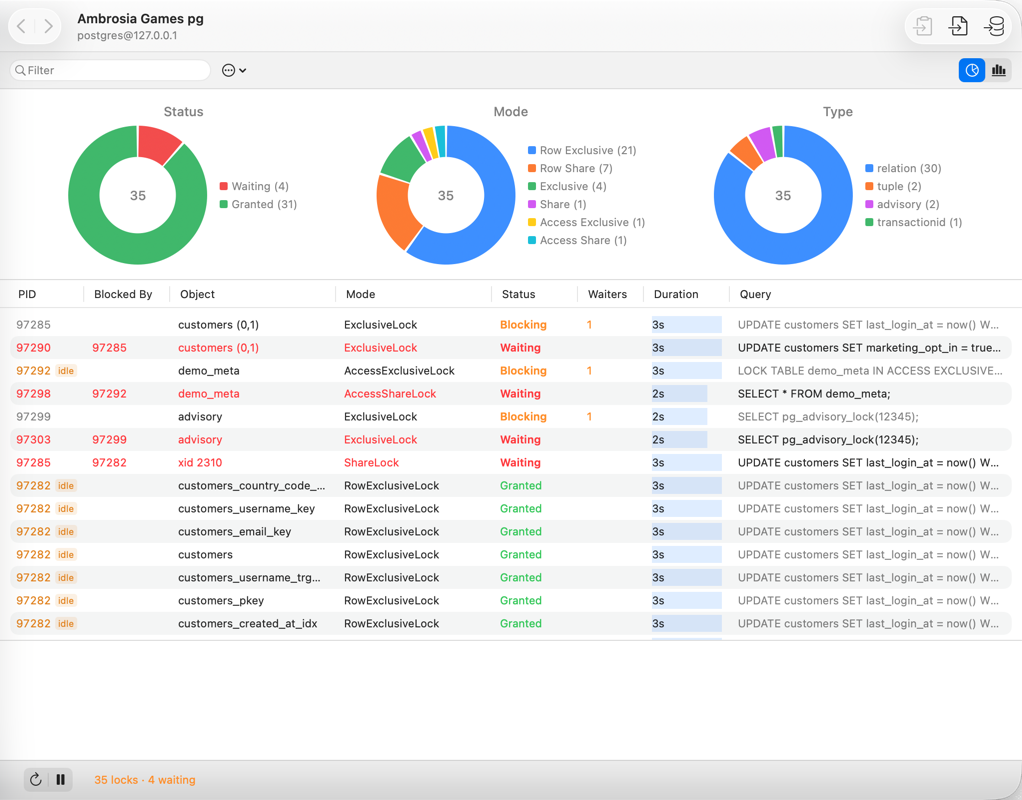
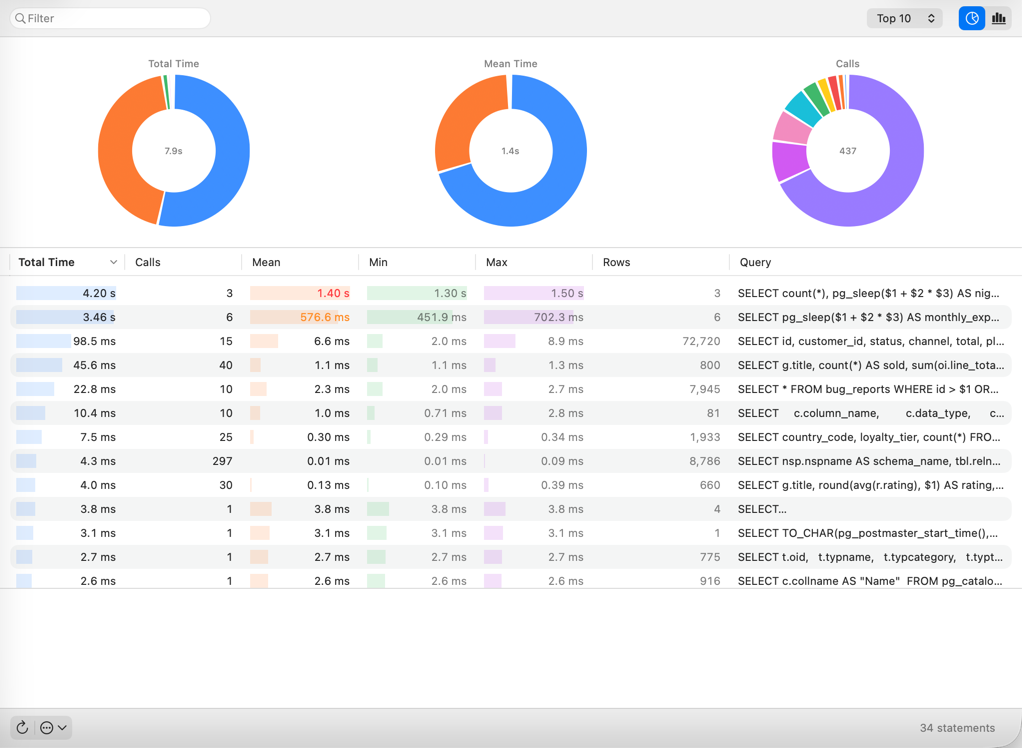
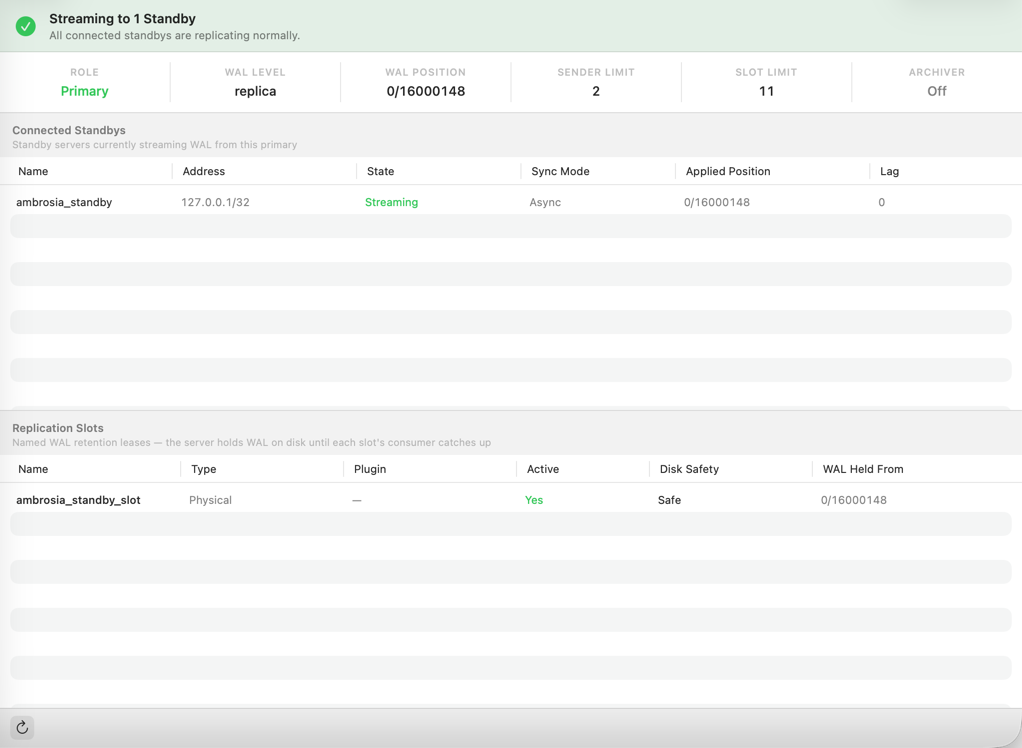
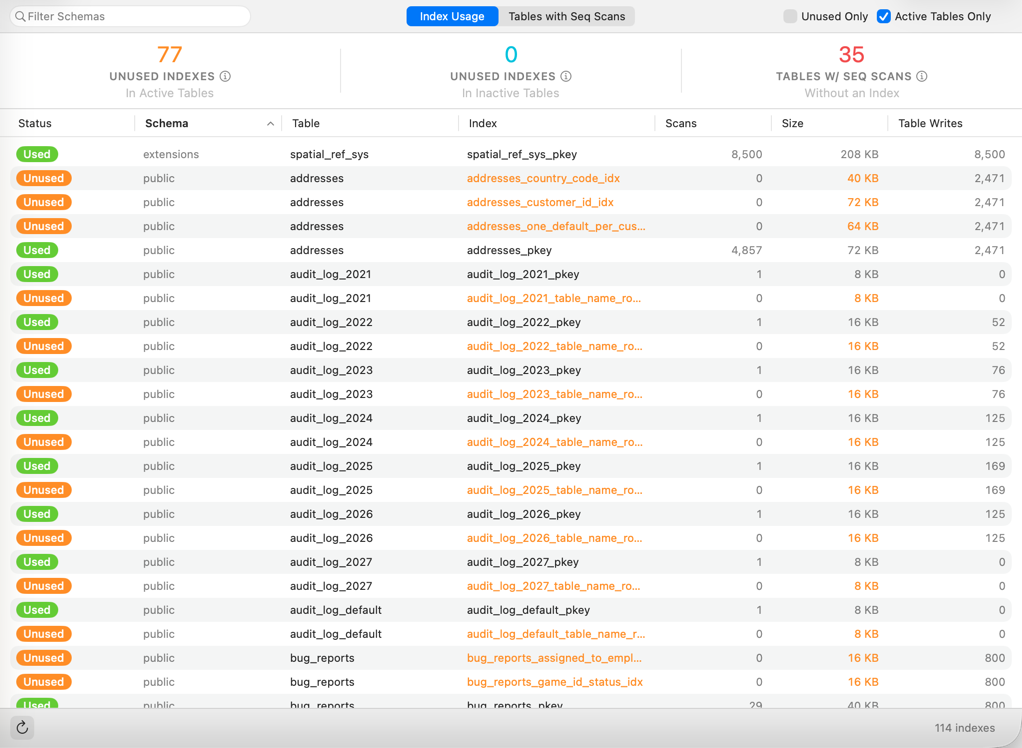
Live activity, locks, pg_stat_statements, replication, index usage, extensions, variables, and roles.
A friendly interface for pg_dump and pg_restore, plus SQL, CSV, Tab, and JSON export.
Describe the query you want in plain language. It writes SQL for your schema, and never sees your data.
Every connected session, what it is doing, and for how long, on a live chart. Cancel queries or terminate connections.
Find out which sessions are blocking which, and monitor every open lock.
Rank query patterns by cumulative time using pg_stat_statements.
Confirm replicas are keeping up: WAL streaming, standbys, replication slots, and archiver health.
Discover unused and redundant indexes.
Scan a schema for structural problems that tend to cause trouble later.

| Area | Supported in PostgreSQL |
|---|---|
| Tables | Content, columns, indexes, keys, constraints, sequences, triggers |
| Other objects | Views, materialized views, functions, procedures, custom types |
| Schemas | Schema focus in the sidebar, search path, diagnostics, info, index usage, relationships |
| Server views | Status, activity, locks, statements, replication, index usage, extensions, variables, roles |
| Import / export | CSV, Tab, SQL import; CSV, Tab, SQL, JSON export; pg_dump and pg_restore |
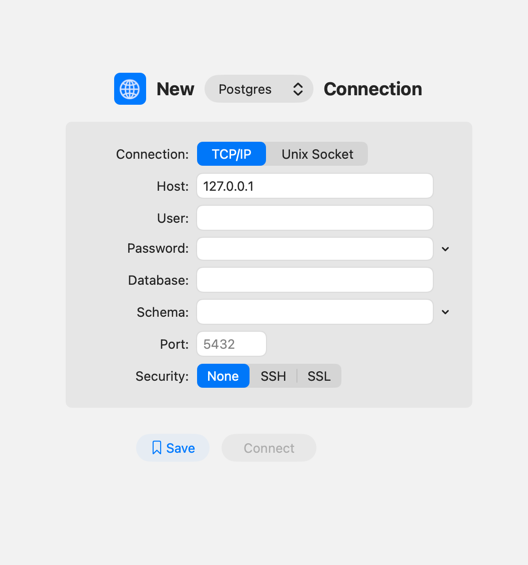
| Connections | TCP/IP, Unix socket, SSL, SSH tunnel, password from a shell command |
| AI | Query Assistant (generates SQL; never executes it or reads table data) |
| Not yet for PostgreSQL | Duplicate and database structure Compare (available for MySQL) |
Querious 5 is a native macOS PostgreSQL client. It lets you browse and edit table data, write and run SQL with autocomplete, edit schema structure, monitor server activity, locks, statements, and replication, import and export data, run pg_dump and pg_restore, and generate SQL with an AI Query Assistant.
It is a native Mac app, made exclusively for macOS. It is not built with Java or Electron and it does not run in a web view, so it behaves like other Mac apps: standard windows and tabs, menus, keyboard shortcuts, and Dark Mode.
Tables (content, columns, indexes, keys, constraints, sequences, triggers), views and materialized views, functions and procedures, custom types, schema diagnostics, import and export (CSV, Tab, SQL, and JSON export), pg_dump and pg_restore, and server views for status, activity, locks, statements, replication, index usage, extensions, variables, and roles. Duplicate and Compare are currently MySQL-only.
Yes. PostgreSQL connections can use SSL or be tunneled through SSH, and can connect over TCP/IP or a Unix socket. The password can be fetched from a shell command, such as a password manager's command-line tool.
Yes, with any PostgreSQL server that Querious can reach over TCP/IP or a Unix socket. That includes local installations from Postgres.app and Homebrew, containers running in Docker, and cloud-hosted servers such as Amazon RDS. For pg_dump and pg_restore, Querious finds the tools installed by Postgres.app, Homebrew, and other common locations.
No. The Query Assistant only generates SQL. It never runs queries and never has access to the data in your tables. If you allow it, it can read your schema's structure (table and column names and CREATE statements) so the SQL it writes fits your database.
Yes. Querious 5 works with PostgreSQL, MySQL, and MariaDB in the same app, and can open SQLite files too.
macOS 13.2 or later. Querious 5 is currently an early release.
Querious 5 overview Compare with other clients Documentation Help & Support

